
PDF to CAD & Revit (BIM) Conversion Services
Old plans are often stuck as a PDF, a phone photo, a scanned blueprint or a hand-drawn sketch. You can't edit them, you can't measure from them reliably, and you can't hand them to an engineer or a building department as a working file. We redraw them from scratch into clean, accurate AutoCAD DWG files or fully modeled Revit BIM projects.
This is not an automatic raster-to-vector trace. Every line is redrawn by a drafter, to scale, on proper layers with real dimensions, text, hatches and title blocks, so the file is ready to edit, revise for a permit, or build a 3D model from.
- 24 hrs–5 days
- 98% first-time approval
- All 50 states
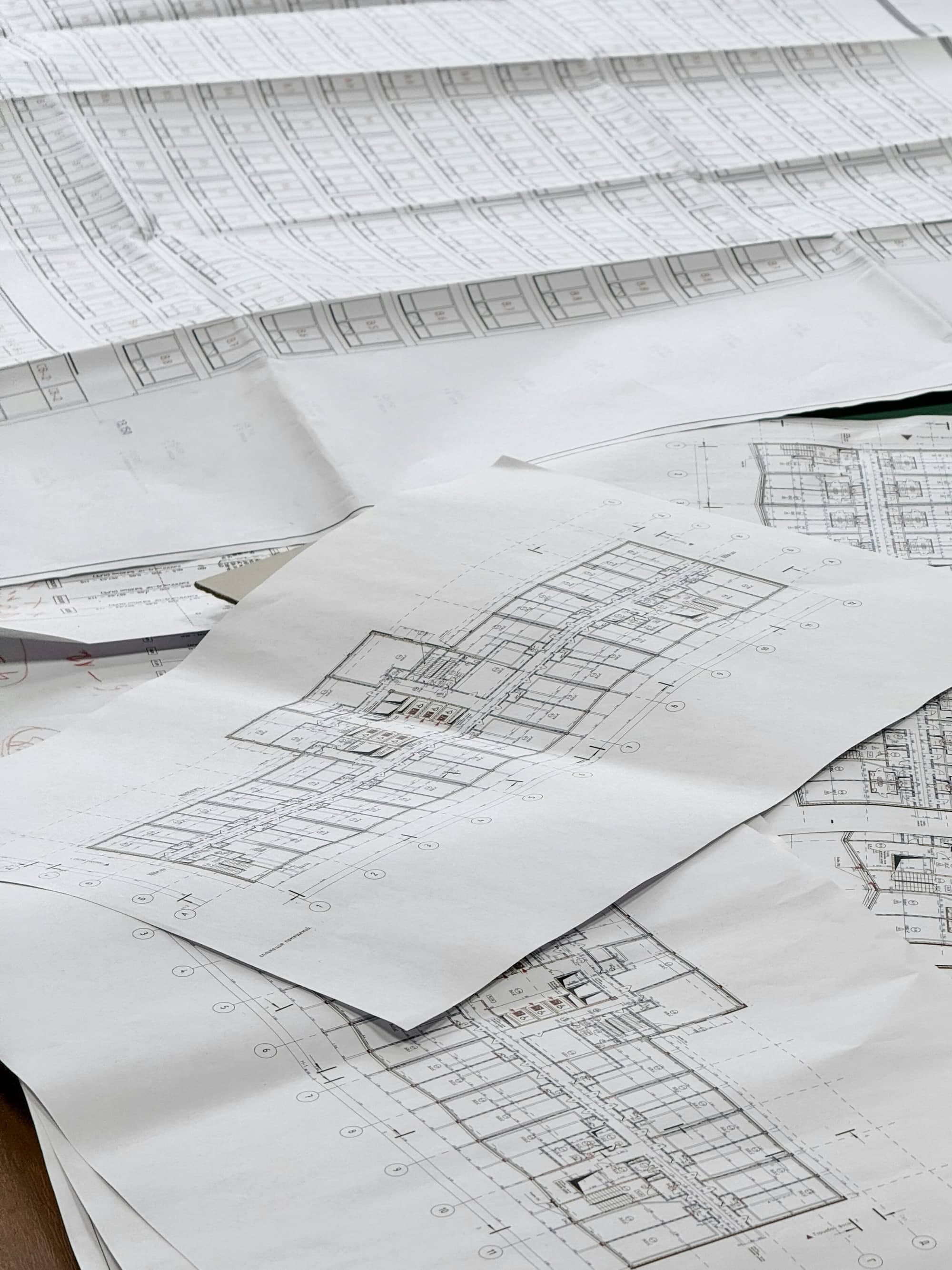
What's in your drawing set
- PDF to CAD (DWG/DXF) conversion
- JPG, PNG and image to CAD conversion
- Scanned blueprints and hand sketches to CAD
- PDF or CAD to Revit (RVT) BIM models with walls, doors, windows, floors and roofs
- Floor plans, elevations, sections, site plans and details
- Structural and MEP sheets redrawn on separate layers
- Drawn to scale with real dimensions, layers and your title block
- Optional updates for a new permit submission
Common reasons to convert old plans
- Renovating or adding on, and you only have a PDF of the original house plans
- Old blueprints from the city or a previous owner that need to be revised
- Architects and builders who need editable DWG files from a client's PDFs
- Creating Revit BIM models for 3D views, quantities or coordination
- Digitizing paper archives for property managers and facility teams
- Turning hand sketches into a professional drawing set
Send whatever you have: PDF, JPG, PNG, TIFF, a phone photo or a scan. We tell you up front if any part is unreadable and needs a site measurement.
How it works
- 01
Send your project details
Address, a sketch or photos, and what you want to build. We confirm your city's requirements before drawing.
- 02
We draw and code-check
Your set is drafted to your jurisdiction's adopted code and checked the way a plan reviewer would check it.
- 03
You submit, we support
You get a permit-ready set, and we respond to any plan-check comments until it's approved.
Drawings delivered in 24 hrs–5 days. City review time after submission depends on your jurisdiction.
Frequently asked questions
Can you convert a PDF to CAD?
Yes. We redraw PDF plans into editable AutoCAD DWG (or DXF) files at true scale, with layers, dimensions, text and hatching, not an automatic trace.
Can you convert a JPG or photo of a plan to CAD?
Yes. JPG, PNG, TIFF and phone photos can be converted to CAD as long as the dimensions are readable. If a photo is skewed or blurry, we tell you which areas need confirming before we start.
Do you convert PDF or CAD to Revit?
Yes. We build Revit (RVT) BIM models from PDFs, scans or DWG files, with walls, doors, windows, floors, roofs and levels, plus sheets and views set up for printing.
How accurate is the conversion?
We draw to the dimensions written on your plans. Where a plan has no dimensions, we scale from a known measurement and flag any assumptions so you can verify them on site.
What file formats do you deliver?
AutoCAD DWG or DXF, Revit RVT, and PDF prints of every sheet. Tell us your AutoCAD or Revit version and we'll save to it.
How long does PDF to CAD conversion take?
A single floor plan usually takes 24 to 48 hours. A full house set takes 2 to 5 days, and Revit models take a little longer depending on size and detail.
Get your pdf to cad & revit conversion started today
Permit-ready drawings in 24 hrs–5 days, checked against your city's code.